
Difference Between LCD Burn In, Image Retention and Ghost Image for Industrial Monitors?
LCD burn in, image retention and ghost image are often used interchangeably when an industrial monitor shows an unwanted visual artifact. That creates confusion during equipment evaluation. A faint previous screen, a moving trail, or a persistent abnormality may look similar in a photo, but each requires different observations and supplier discussions.
The difference is mainly observable behavior: image retention usually appears after static content changes, while a ghost image or trailing effect is more associated with moving content[1]. “LCD burn-in” is often a broad buyer term rather than a confirmed diagnosis. Buyers should document operating conditions, observe the artifact over time, and ask the supplier to review persistent or unclear cases.
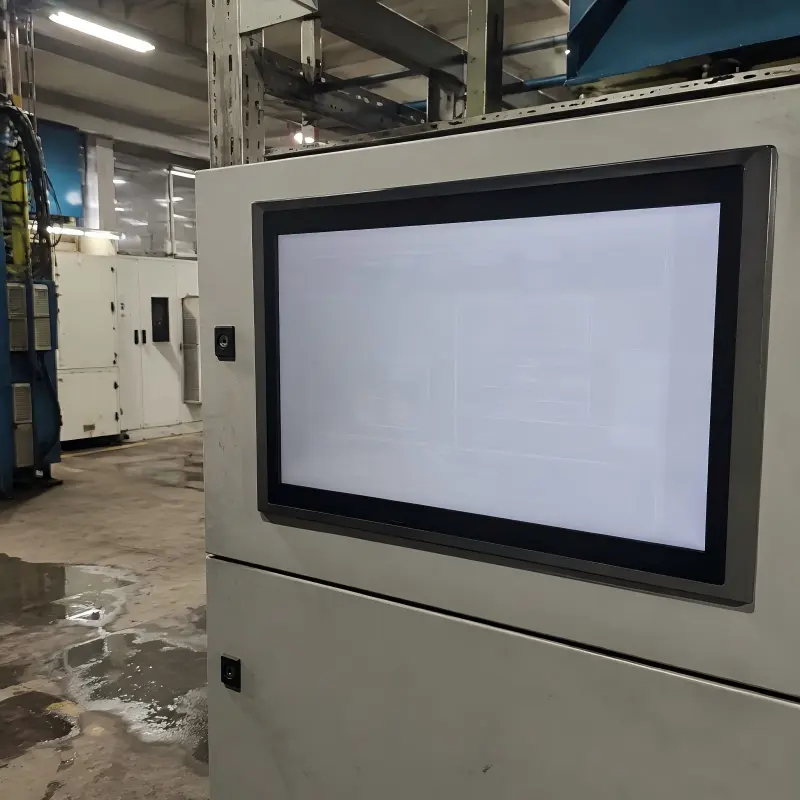
In our pre-sales discussions at AplusLCD, customers often send one photo and ask, “Is this permanent damage?” We understand the urgency, especially when a display is part of an industrial machine or kiosk. However, a useful decision starts with the display behavior, not the label used to describe it.
How Do LCD Burn In, Image Retention and Ghost Image Differ?
A visible screen artifact can make buyers worry about panel quality or project downtime. The concern becomes greater when the monitor runs long hours with fixed menus, alarms, or control screens. We recommend separating the symptom before making a replacement or escalation decision.
Image retention is a faint residual outline that may appear after a static image changes. Ghost image effects usually appear as trails, blur, or delayed-looking edges during motion. LCD burn-in is a broad term that should not be treated as a confirmed technical diagnosis without model-specific evaluation.
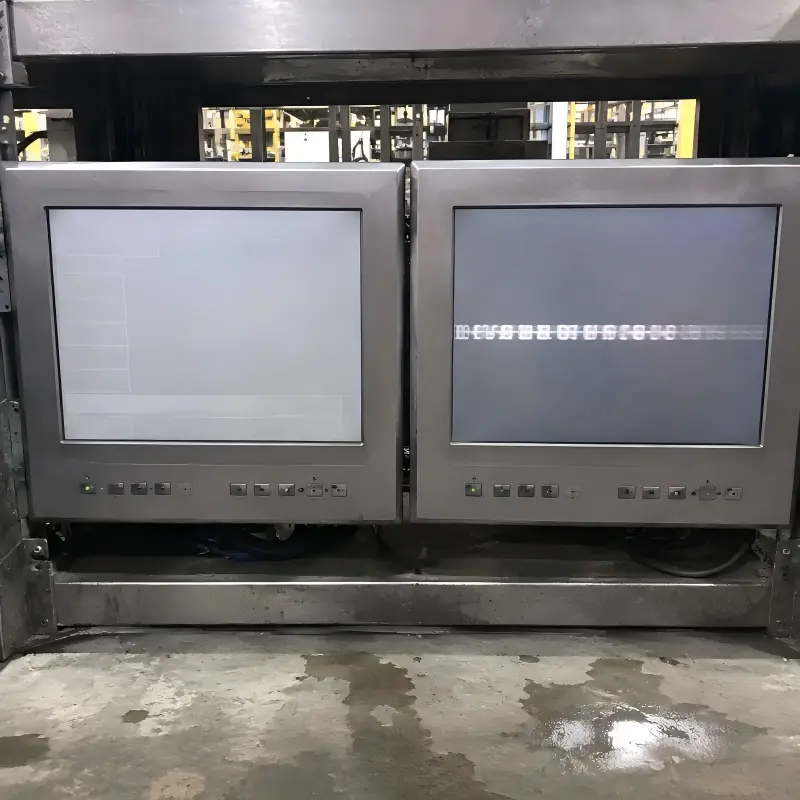
Start With What Operators Can See
The most useful first question is simple: When does the artifact appear?
If an operator changes from a fixed control screen to a plain background and sees a faint outline of the previous screen, the observation may fit image retention. The outline may include button shapes, dashboard elements, logos, or status bars.
If the artifact appears only when text, video, camera feeds, or moving objects travel across the display, it may be better described as a ghost image, trailing, or motion-performance concern. This does not automatically indicate the same issue as a residual static image[2].
| Observable behavior | More useful working description | Information to collect |
|---|---|---|
| Previous menu remains faintly visible after screen changes | Image retention | Static-content duration, brightness, recovery observation |
| Moving text or objects leave a visible trail | Ghost image or motion trailing | Content type, speed, refresh conditions, camera source |
| Artifact remains under different content and conditions | Persistent abnormality | Model, installation, photos, runtime, supplier review |
We avoid treating “burn-in” as a final answer for industrial LCD monitors. Buyers commonly use the term because it is familiar, not because they have completed a failure analysis. LCD image retention should also not be directly equated with OLED burn-in mechanisms[3]. The display technologies, panel structures, and risk factors differ[4].
In our experience, the best supplier conversations begin when a customer says, “This faint outline appears after eight hours of a fixed HMI screen,” rather than simply saying, “The screen has burn-in.”
What Operating Conditions Increase LCD Image Retention Risk?
A monitor may perform acceptably in one application and show visible artifacts in another. A 24/7 machine interface with fixed graphics creates different conditions from a retail screen that changes content every few seconds[5]. Buyers should assess the application, not only the panel size or resolution.
LCD image retention risk depends on the content pattern and operating environment. Long static-image duration, high brightness settings, extended daily runtime, and elevated ambient temperature can all be relevant conditions[6] to record when evaluating an industrial monitor.
Record Conditions Before Reaching a Conclusion
A single image rarely provides enough evidence for a supplier to determine what happened. We encourage project teams to collect practical operating details. These details help compare the application with monitor specification materials, including stated operating temperature ranges, brightness options, display type, and intended usage conditions.
Useful information includes:
- Monitor model and serial or batch reference, where available
- Daily operating hours, such as 8, 16, or 24 hours
- Static image duration, including whether a fixed HMI stayed unchanged for hours
- Brightness setting and any automatic brightness controls
- Ambient temperature near the monitor enclosure
- Screen content, such as white backgrounds, fixed logos, alarm panels, or video
- When the artifact appears, including after a content change or during motion
- Whether the behavior changes over time under normal operation
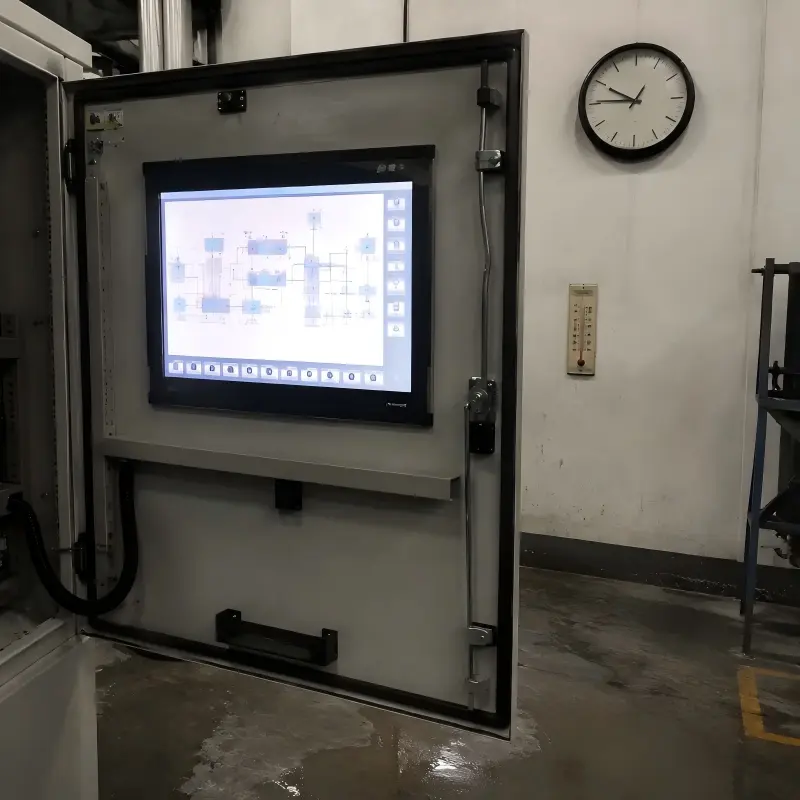
For example, an industrial automation panel may show the same machine diagram for an entire shift. A transportation display may run for long hours but change routes and messages frequently. A self-service kiosk may alternate between fixed branding and interactive screens. These use cases should not be evaluated as identical.
We recommend that buyers verify relevant supplier documents rather than assume every industrial monitor has the same resistance to static-content exposure. A qualified engineering review is especially important when the display will operate continuously, sit inside a warm enclosure, or show fixed critical information.
How Should Buyers Respond to LCD Burn In and Ghost Image Reports?
A visible artifact can create pressure to replace hardware immediately. That response can be costly if the issue is temporary, content-related, or linked to operating conditions. On the other hand, buyers should not ignore a persistent or unclear abnormality in a critical industrial system.
Buyers should classify the artifact, document the operating environment, observe changes after content changes or time, and contact the supplier with complete application details if the issue persists. This process helps distinguish LCD image retention concerns from motion-related ghost image reports and cases needing further evaluation.
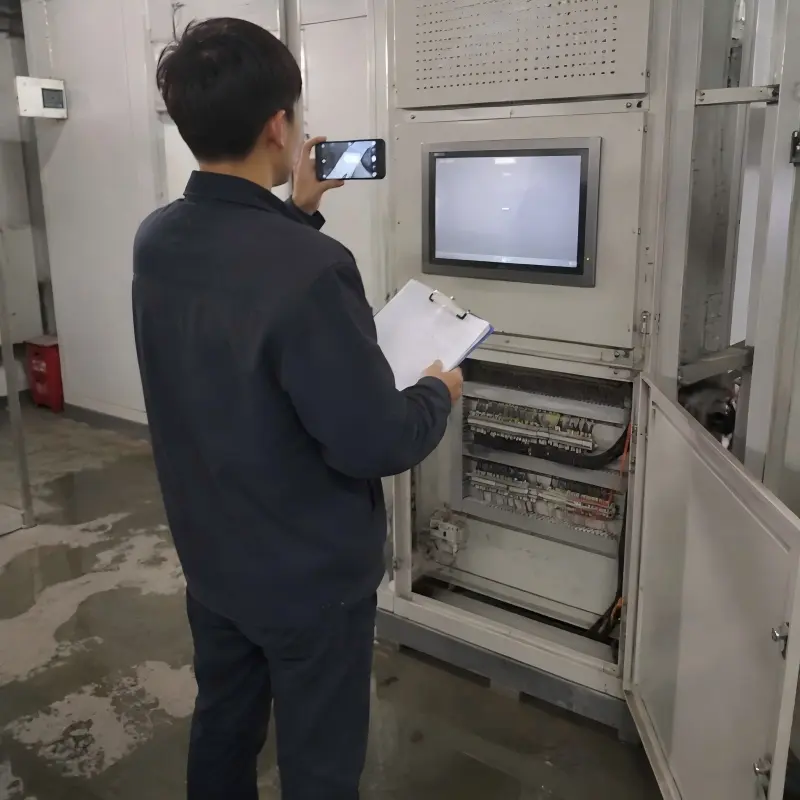
Use a Practical Triage Process
We suggest the following decision path for industrial equipment manufacturers and system integrators:
Classify the symptom
Determine whether the artifact follows a static image, appears during motion, or remains visible under many conditions.Collect operating evidence
Record screen content, runtime, brightness, temperature, installation position, and photographs or videos.Observe without assumptions
Check whether the artifact changes after different content is displayed or after normal operating conditions change. Do not promise recovery or assume permanent damage from one observation[7].Review the application fit
Compare the use case with the monitor’s specified operating range, display configuration, brightness level, and project requirements.Escalate with complete details
Send the supplier the monitor model, application description, operating conditions, photos, and timing observations.
At AplusLCD, we use this type of information during pre-sales and support conversations because it helps us recommend a more appropriate next step. In some projects, buyers may need a different brightness level, touch configuration, enclosure approach, content strategy, or customized industrial display solution. The correct decision depends on the full application, not a single symptom label.
Frequently Asked Questions
Is LCD image retention always permanent?
No. A faint residual image does not automatically confirm permanent panel damage. Buyers should observe when it appears, how long static content was displayed, and whether the behavior changes under different content or operating conditions. Persistent cases should be reviewed with the supplier.
Is a ghost image the same as LCD burn-in?
Not necessarily. A ghost image often describes trailing or blur seen during moving content. LCD burn-in is commonly used as a broad customer term. The visible behavior and application conditions are more useful than relying on either label alone.
Can fixed HMI screens increase image retention concerns?
Fixed HMI screens can be relevant because they may display the same graphics for long periods[8]. Buyers should document static-content duration, brightness, daily runtime, and ambient temperature when selecting or evaluating an industrial LCD monitor.
What should I send my industrial monitor supplier?
Send the monitor model, application type, operating hours, brightness setting, ambient temperature, screen content, and clear photos or video. Explain whether the artifact appears after static content changes or during moving images. This information supports a more informed evaluation.
Conclusion
LCD burn in, image retention and ghost image should not be treated as identical industrial monitor problems. Image retention is commonly linked to static-content changes, while ghosting is more often associated with moving content[9]. We recommend that buyers document runtime, brightness, temperature, and content patterns before reaching a conclusion. If an artifact persists or remains unclear, contact AplusLCD with your monitor model and application details so we can help you evaluate a suitable industrial display solution.
Footnotes
-
"EE362 Final Project Writeup", http://acorn.stanford.edu/psych221/projects/2006/mmalkin/writeup.htm. Display research commonly characterizes LCD ghosting or trailing as a motion artifact related to finite pixel-transition response and temporal image presentation. Evidence role: mechanism; source type: research. Supports: Display-engineering explanations linking LCD ghosting and trailing during motion to pixel response behavior and motion rendering.. Scope note: Visible trails can also be influenced by source-frame rate, refresh behavior, overdrive settings, camera processing, and viewer perception. ↩
-
"Quantification and Reduction of Ghosting Artifacts in ... - PMC", https://pmc.ncbi.nlm.nih.gov/articles/PMC2396297/. Flat-panel display literature treats motion trailing and static-image retention as different observable artifact classes, with motion artifacts generally linked to temporal pixel response rather than residual static patterns. Evidence role: mechanism; source type: paper. Supports: Technical distinctions between temporal motion artifacts caused by pixel transitions and residual-image phenomena associated with prior static patterns.. Scope note: A field report may involve more than one artifact simultaneously, so visual classification alone is not a complete root-cause analysis. ↩
-
"Optimizing Color Performance of the Ngenuity 3-Dimensional ...", https://pmc.ncbi.nlm.nih.gov/articles/PMC9559094/. Studies of flat-panel displays distinguish LCD image-retention effects from OLED burn-in, for which differential aging of emissive subpixels is a principal mechanism. Evidence role: mechanism; source type: paper. Supports: Research distinguishing LCD residual-image phenomena from OLED differential aging and persistent luminance or color nonuniformity.. Scope note: Terminology in consumer documentation is not fully standardized, and some sources use “image retention” broadly for both temporary and persistent artifacts. ↩
-
"(PDF) OLED: A New Display Technology", https://www.academia.edu/31018433/OLED_A_New_Display_Technology. LCDs use liquid-crystal modulation of a backlight, while OLED panels use self-emissive organic subpixels; these differing structures lead to different artifact and aging mechanisms. Evidence role: mechanism; source type: education. Supports: Educational technical material explaining that LCDs modulate a backlight with liquid-crystal cells, whereas OLEDs use self-emissive organic materials subject to aging.. Scope note: Specific panel designs, compensation methods, and operating modes can substantially alter practical susceptibility within either technology category. ↩
-
"Image persistence", https://en.wikipedia.org/wiki/Image_persistence. LCD image-retention assessments commonly consider the duration and spatial stability of displayed content, making fixed-interface duty cycles distinct from frequently changing display content. Evidence role: general_support; source type: research. Supports: Technical evidence that static-pattern duration and content changes affect conditions under which residual-image effects are assessed.. Scope note: This comparison concerns exposure conditions rather than proving that a particular 24/7 interface will develop a visible residual image. ↩
-
"Low Voltage Blue Phase Liquid Crystal Displays - ucf stars", https://stars.library.ucf.edu/etd/2442/. Experimental and technical studies of LCD image retention identify static-image exposure and display operating conditions, including temperature and drive-related settings, as relevant variables in residual-image behavior. Evidence role: general_support; source type: paper. Supports: Evidence that LCD image retention is affected by prolonged static driving and may depend on operating parameters such as temperature, luminance or drive conditions.. Scope note: The relative effect of brightness, runtime, and ambient temperature is panel-specific; recording these conditions does not establish that any one factor caused a particular artifact. ↩
-
"Image persistence", https://en.wikipedia.org/wiki/Image_persistence. Studies of LCD image retention report time-dependent residual-image behavior, indicating that a single observation cannot by itself establish either recovery or permanent damage. Evidence role: mechanism; source type: paper. Supports: Research showing that LCD residual-image effects can change over time and that recovery behavior depends on display and exposure conditions.. Scope note: Time-dependent behavior is not proof that every persistent artifact is reversible; defects unrelated to image retention may remain unchanged. ↩
-
"Image persistence", https://en.wikipedia.org/wiki/Image_persistence. Research on LCD residual-image effects identifies prolonged presentation of spatially fixed patterns as a relevant exposure condition, which can apply to static human-machine-interface screens. Evidence role: general_support; source type: research. Supports: Evidence that prolonged presentation of fixed graphic patterns is a relevant exposure condition for LCD residual-image effects.. Scope note: The statement concerns the exposure pattern of an HMI and does not establish a failure rate or retention outcome for all HMI installations. ↩
-
"Image persistence", https://en.wikipedia.org/wiki/Image_persistence. Reference descriptions distinguish image persistence, in which a prior static image remains faintly visible, from ghosting or trailing, which is observed as a temporal artifact around moving images. Evidence role: definition; source type: encyclopedia. Supports: A neutral overview distinguishing image persistence after static images from ghosting or motion blur observed with moving images.. Scope note: Terminology is used inconsistently in consumer discussions, so the visible behavior and test conditions remain more informative than labels alone. ↩