LCD response time can change noticeably when a display operates in cold or variable temperatures, creating motion blur, ghosting, lag, or slow screen updates. We often see project teams focus on one datasheet number, then discover that their real installation environment creates different visual behavior. The solution is to evaluate the panel, temperature conditions, and screen task together.
LCD response time performance is temperature-dependent because liquid crystal movement can slow in colder conditions. However, the practical result depends on the specific panel, its powered-on temperature, its drive conditions, the displayed content, and the application's tolerance for motion artifacts. We recommend validating the selected display under the expected operating conditions before design freeze.
A nominal response-time specification still matters, but it is only one part of display selection. In our pre-sales discussions at AplusLCD, we regularly help customers move from asking, "Is this panel defective?" to asking a more useful question: "Can this display provide acceptable visual performance in our actual operating environment?"
Why Does Temperature Affect LCD Response Time?
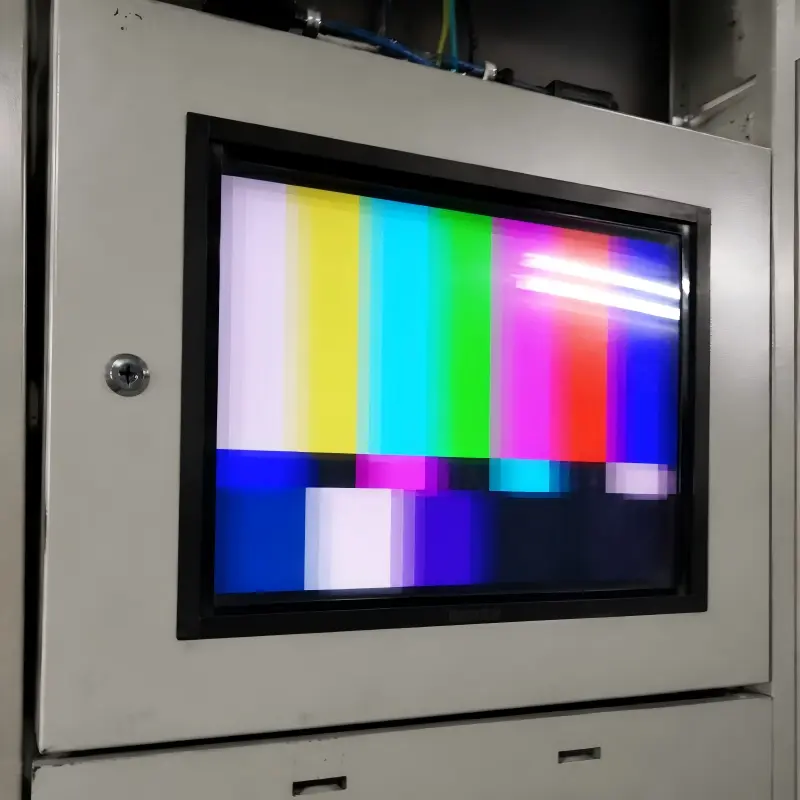
When customers report slow transitions, image trails, or ghosting, they often worry that they received a poor-quality LCD. That concern is understandable. A screen that looks sharp at room temperature can appear sluggish in a cold cabinet, warehouse, transit platform, or semi-outdoor kiosk. This is why selecting an industrial-grade daylight LCD monitor with wide-temperature specifications matters.
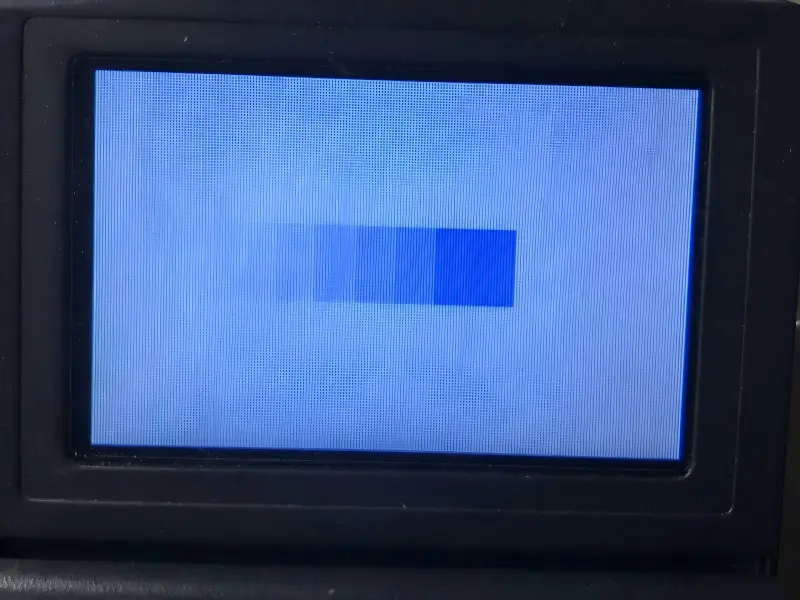
Temperature affects LCD response time because liquid crystal cells generally change state more slowly in colder operating conditions. This can make pixel transitions less responsive and can increase visible trailing during movement. The degree of change is panel-specific, so the actual visual result must be reviewed against the panel specification and application conditions.
LCD response time is more than one datasheet number
An LCD pixel changes appearance when liquid crystal material responds to electrical driving signals.[1] In practical terms, this is what allows a screen to move from one grayscale level to another, change colors, refresh a menu, or show moving content.
At normal indoor conditions, many display projects perform as expected. However, lower temperatures may reduce how quickly pixels complete these transitions[2]. Users may then see:
- Ghosting, where a faint trail follows moving elements
- Residual images, where the previous image appears briefly visible
- Slower scrolling text, especially on information-heavy interfaces
- Motion blur, which can make fast content less clear
- Delayed-looking refresh behavior, even if the system itself is functioning correctly
We should separate these symptoms from permanent image retention or panel damage. A temporary trail that becomes more visible in cold conditions may be related to LCD response time performance, not necessarily a manufacturing defect.
In our experience, the most useful early question is not "What is the response time?" It is "What does the screen need to show when the equipment is cold, operating, and fully stabilized?"
Operating temperature is not the same as ambient temperature
Project teams should avoid using several temperature terms as if they mean the same thing. They do not.
| Temperature term | What it means | Why it matters for LCD response time |
|---|---|---|
| Ambient temperature | The air temperature around the equipment or installation | It may influence the display, but it is not always the panel's real temperature |
| Equipment internal temperature | The temperature inside an enclosure, cabinet, kiosk, or machine | It can be higher or lower than outdoor ambient conditions |
| Powered-on panel temperature | The display's actual temperature during operation | This is often the most relevant condition for visual performance |
| Storage temperature | The temperature allowed when the display is powered off | It does not confirm acceptable powered-on visual behavior |
| Cold-start temperature | The panel temperature when power is first applied | It can create different behavior from a display that has already warmed up |
A display installed in an outdoor enclosure may begin the day cold, then gradually warm after the backlight, processor, and power supply operate. The screen behavior during that startup period can matter greatly for a ticketing terminal, machine HMI, or public information display.
We recommend that buyers ask suppliers which operating-temperature information applies to the specific panel and whether response-time performance is characterized under the intended conditions. We should not assume that a room-temperature response-time value applies unchanged across the full operating range.
Is Low-Temperature Ghosting Always an LCD Panel Defect?
Low-temperature ghosting can create immediate concern during commissioning. A system integrator may see trailing text or slow-looking graphics, compare the screen with a nearby indoor display, and conclude that the panel is faulty. Sometimes a quality issue may exist, but temperature-related behavior should be considered first.
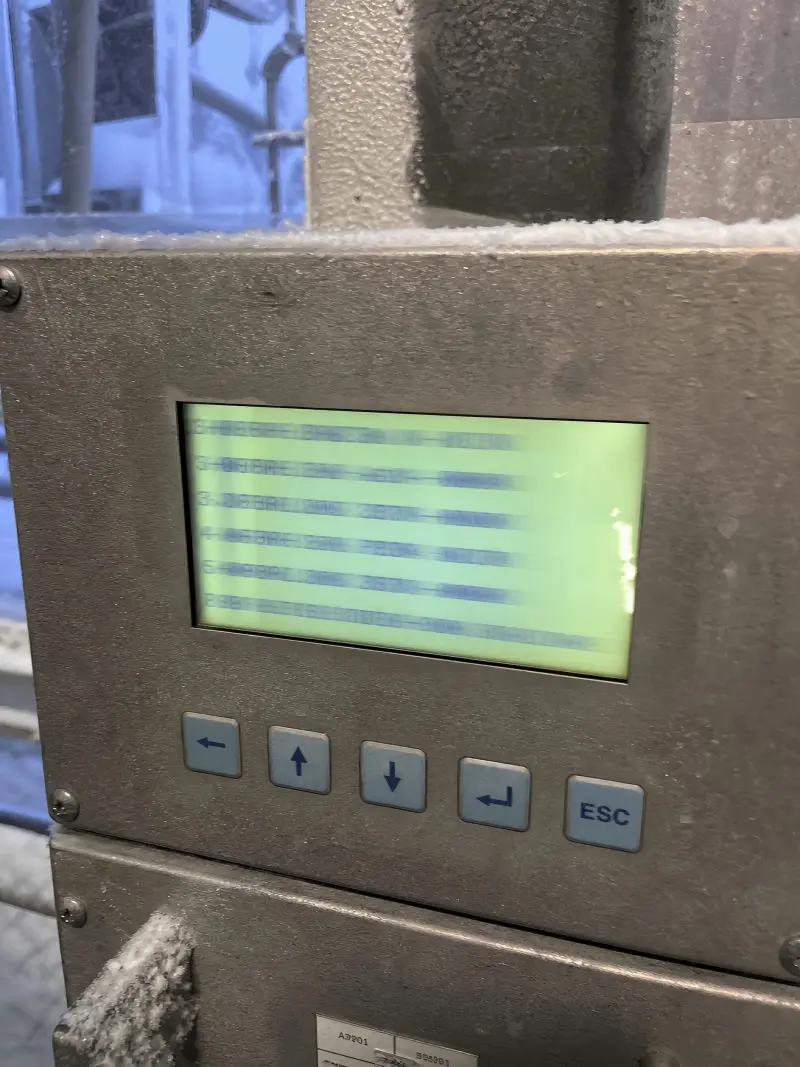
Low-temperature ghosting is not automatically an LCD panel defect. It can result from the panel's temperature-dependent response behavior, cold-start conditions, drive settings, enclosure environment, or demanding moving content. We recommend comparing the observed behavior with the panel's specified conditions and testing after the system reaches a stable operating state.
We look at the full system environment
At AplusLCD, we often receive questions that sound simple: "Why is the display slow?" In practice, the answer usually requires a wider project review. We need to understand where the LCD is installed, how long it has been powered on, what content it displays, and whether the enclosure retains or loses heat.
For example, an industrial control system may operate inside a ventilated metal cabinet. The cabinet may be located in a cold production area. The controller and power electronics may add heat over time, while incoming airflow continues to cool the display. In that case, the panel's real operating condition may vary across the day.
We also consider factors such as:
Panel technology and model selection
Different LCD panels can behave differently under the same environmental conditions.[3] A general-purpose panel and an industrial-grade panel may have different intended operating ranges and performance characteristics.Display controller and timing configuration
The display interface, timing board, and system-level driving conditions can influence what users see.[4] A response issue may not be explained by the LCD glass alone.Backlight and internal heating effects
The backlight generates some heat during operation. Therefore, cold-start visual performance may differ from stabilized performance after the display has operated for a period.Enclosure design
A sealed outdoor housing, an actively ventilated cabinet, and an open-frame monitor integration can each create different thermal behavior.Content design
A mostly static status screen may remain acceptable, while fast video, scrolling alarms, and moving maps may expose slow transitions more clearly.
A practical way to investigate visible trails
When a customer reports cold-weather ghosting, we encourage a structured review rather than an immediate pass-or-fail judgment. We would normally ask for photos or video, but we also ask for contextual information.
Useful project questions include:
- What was the ambient temperature when the issue occurred?
- Was the display just powered on, or had it run for several hours?
- What was the estimated temperature inside the equipment enclosure?
- Does the effect appear on all content or only moving graphics?
- Does the issue become less visible after warm-up?
- Is the effect consistent across multiple units?
- What panel model, interface, and controller configuration are being used?
- Is the observed result outside the supplier's documented specification or agreed validation criteria?
This approach helps us distinguish between a possible hardware-quality concern and an environmental-condition concern. We should not dismiss a customer's observation, but we also should not label every cold-condition trail as a defective panel without reviewing the actual use case.
Which Applications Expose LCD Response Time Problems Most Clearly?
A slow pixel transition may be difficult to notice on one screen and highly visible on another. This difference can surprise teams that select a display based on size, brightness, resolution, and nominal response time without considering the actual user interface.
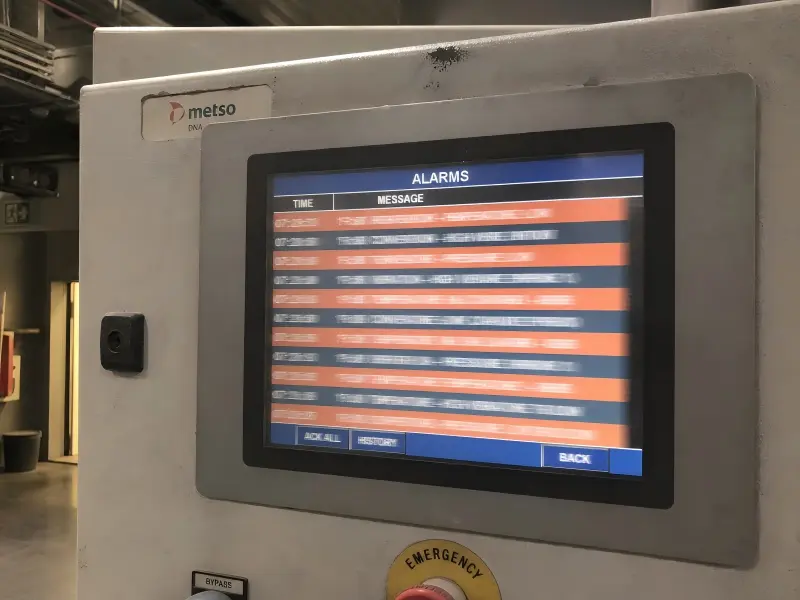
LCD response time issues are most visible in applications with fast movement, scrolling text, frequent screen changes, animated graphics, video, or moving touch interfaces.[5] Static dashboards and simple status screens may be less sensitive, but each application should be evaluated according to its own visual and operational requirements.
Motion sensitivity depends on the content
A display can be technically operational while still delivering an unacceptable user experience. This is especially true when a human operator must read changing content quickly, make decisions from moving visual data, or use a touch interface in real time.
We often see the greatest sensitivity in the following scenarios:
| Application type | Why response behavior matters | Typical visual risk |
|---|---|---|
| Industrial HMI | Operators may monitor changing alarms, graphs, and machine states | Slow transitions can reduce clarity during rapid changes |
| Transportation displays | Timetables, route information, and maps can update frequently | Scrolling or switching content may show trails |
| Self-service kiosks | Users expect immediate touch feedback and menu changes | Slow-looking animation can feel like system lag |
| Digital signage | Video, promotional content, and animated layouts demand motion clarity | Ghosting can be obvious to viewers |
| Medical equipment interfaces | Users may need clear, stable information presentation | Any visual artifact needs careful application-specific evaluation |
| Retail terminals | Product menus and checkout content may switch quickly | Transitions can feel less responsive in cold locations |
Static content can still create risk
We should not assume that static content makes temperature irrelevant. A mostly static display can still show problems when an alarm appears, a page changes, a camera feed opens, or an operator scrolls through settings.
For example, a warehouse-mounted terminal may show a static workflow page for most of the day. However, it may also display barcode confirmation, animated prompts, or quickly changing order information. If the terminal starts in a cold environment, the first minutes of operation may be the exact period when workers need it to respond clearly.
I have seen project conversations change once the customer lists every screen state instead of describing the interface as "mostly static." This simple exercise often reveals:
- Animated startup logos
- Scrolling warning messages
- Rapid page transitions
- Live production charts
- Touch-button state changes
- Camera or video windows
- Moving maps and route indicators
Define "acceptable" before selecting the display
The right display is not always the one with the lowest published nominal response time. The right display is the one that meets the project's visual needs under realistic conditions.
We encourage buyers to define acceptance criteria in plain language. For example:
- Text must remain readable during expected scrolling behavior.
- Operators must be able to identify alarm changes clearly.
- Touch feedback must appear sufficiently responsive for the workflow.
- Cold-start behavior must be acceptable for the expected startup sequence.
- Content transitions must remain suitable after the equipment reaches normal operation.
This approach is more useful than relying on a single generic response-time figure. It gives the display supplier, system designer, and end customer a shared basis for evaluation.
How Should We Select an LCD for Cold or Variable Temperatures?
Cold and variable-temperature projects can fail when teams only compare panel size, resolution, brightness, and price. Those factors are important, but environmental suitability and motion performance need equal attention when the display will show dynamic content.
We should select an LCD for cold or variable temperatures by reviewing its operating-temperature range, expected powered-on panel temperature, cold-start behavior, content motion requirements, enclosure design, and supplier validation plan. A nominal response-time figure should support this review, not replace it.
Start with the real operating profile
The best selection process begins with the environment as it will actually exist in service. A project may be described as "outdoor," "cold storage," or "factory floor," but those labels do not provide enough detail on their own.
We recommend documenting the full operating profile:
- Lowest and highest expected ambient conditions
- Expected temperature inside the enclosure
- Whether the equipment operates continuously or intermittently
- Cold-start frequency and startup duration
- Rate of temperature change
- Solar load, airflow, nearby heat sources, and enclosure insulation
- Required screen brightness and backlight operating conditions
- Content type, refresh activity, and motion requirements
- User distance and viewing expectations
A semi-outdoor digital signage display, for example, may face cool mornings, direct sunlight later in the day, and frequent content changes throughout operation. A cold-storage HMI may experience a more stable low-temperature environment but require clear operator interaction immediately after power-on.
Compare panel specifications carefully
We should review documentation with care. The operating-temperature range can indicate the environment the panel is designed to withstand while powered on. However, it does not automatically mean that every visual parameter remains identical at every point in that range.
The same principle applies to response-time specifications. Buyers should ask:
- Under which conditions was the response-time value measured?
- Does the documentation identify the relevant transition type?
- Does the response-time specification apply to the intended panel configuration?
- Are there stated limitations or notes concerning low-temperature operation?
- Does the supplier recommend a specific panel family for the application?
- Can the supplier support application-level review or sample evaluation?
Build validation into the project schedule
We strongly recommend sample validation before design freeze, especially for applications that combine cold exposure with dynamic content. Final behavior should be verified for the specific panel, temperature range, content pattern, and system design.
A useful validation plan can include:
Cold-start observation
Review the screen immediately after power-on under the expected starting condition.Stabilized operation review
Observe the display after the system has operated long enough to reach its normal thermal state.Dynamic-content checks
Test scrolling text, moving graphics, page changes, video, live data, and touch feedback that reflect real use.Representative enclosure testing
Evaluate the panel in the intended cabinet, monitor housing, kiosk, or equipment structure where possible.Acceptance review
Confirm whether the observed motion clarity and user experience meet the project's documented requirements.
We can support this process by discussing panel options, custom monitor design, brightness requirements, touch integration, mounting methods, and interface needs. However, we always encourage customers to keep the validation scope tied to their own final system and use conditions.
Frequently Asked Questions
Does cold weather make every LCD slower?
Cold weather does not affect every LCD in exactly the same way, but lower operating temperatures can slow pixel transitions and make ghosting or trailing more visible. The result depends on the panel model, its actual powered-on temperature, drive conditions, displayed content, and the application's visual requirements.
Is LCD ghosting in cold weather a manufacturing defect?
Cold-weather ghosting is not automatically a manufacturing defect. It may be related to temperature-dependent LCD response time, a cold-start condition, enclosure thermal behavior, or moving content. We recommend reviewing the panel specification and validating performance under the actual application conditions before reaching a conclusion.
What is the difference between operating temperature and storage temperature?
Operating temperature refers to conditions when the display is powered on and functioning. Storage temperature refers to conditions when the display is powered off. A panel may tolerate storage conditions that do not indicate suitable powered-on visual performance, so both specifications should be reviewed separately.
What content should we test for LCD response time performance?
We recommend testing the content that users will actually see: scrolling text, alarm messages, moving charts, video, page changes, touch feedback, maps, and live data. Static test images alone may not reveal whether LCD response time is acceptable for a dynamic industrial or signage application.
Should we use a panel heater for a cold-temperature LCD application?
A panel heater or thermal-management approach may be considered for some projects, but the best solution depends on the panel, enclosure, power budget, startup requirements, and environmental profile. We recommend discussing the complete system design with the display supplier and validating the final configuration.
Conclusion
Temperature can affect LCD response time performance, but the real project question is whether a selected display remains visually acceptable during cold starts, stabilized operation, and dynamic screen use. We should not treat a nominal datasheet value as a universal guarantee, and we should not assume every low-temperature ghosting symptom is a panel defect. At AplusLCD, we help B2B buyers evaluate panel options against their environment, enclosure, content, and operating needs. Contact us before design freeze to discuss a practical display-selection and validation plan for your project.
Explore Our Daylight-Readable LCD Monitors
From -20°C to +70°C wide-temperature LCDs with 800-3000 nits brightness. Optical bonding and IP65 options for outdoor and industrial use. Free sample, no MOQ.
View High Brightness Monitors →
Compare cold-weather-capable models across the high brightness monitor category, or review how wide-temperature panels are applied in outdoor and sunlight-readable projects on our high brightness monitor solutions hub.
Footnotes
-
"Liquid Crystal Displays (LCDs)", https://groups.csail.mit.edu/graphics/classes/6.837/F01/Lecture01/Slide16.html. Standard descriptions of LCD operation explain that applied electrical fields alter the orientation of liquid-crystal molecules, changing the amount or polarization of light transmitted by a pixel. Evidence role: definition; source type: encyclopedia. Supports: An authoritative reference should describe how an applied electric field changes liquid-crystal orientation and alters the transmission of light through an LCD pixel.. ↩
-
"Temporal response of medical liquid crystal displays", https://pubmed.ncbi.nlm.nih.gov/17388181/. Experimental measurements of LCD electro-optical response have reported that pixel transition times can increase as panel temperature falls. Evidence role: general_support; source type: paper. Supports: Experimental research should document longer rise, decay, or gray-to-gray transition times as LCD temperature decreases.. Scope note: Results from a particular panel, liquid-crystal formulation, or transition pair cannot establish the exact response of every LCD model. ↩
-
"Liquid crystal display and organic light-emitting diode ... - PMC", https://pmc.ncbi.nlm.nih.gov/articles/PMC6060049/. Comparative studies of LCD modes and cell designs show that electro-optical response is influenced by liquid-crystal material, alignment mode, cell geometry, and drive conditions, so different panels need not respond identically under the same environment. Evidence role: general_support; source type: paper. Supports: Comparative research should show that response characteristics vary with liquid-crystal mode, material formulation, cell gap, and driving configuration.. Scope note: Technology-level comparisons do not predict the performance of a specific commercial panel without model-specific measurements. ↩
-
"Response time compensation", https://en.wikipedia.org/wiki/Response_time_compensation. Research on LCD response-time compensation demonstrates that pixel transitions depend partly on applied drive waveforms and timing, and that inappropriate compensation can produce visible overshoot or transition artifacts. Evidence role: mechanism; source type: paper. Supports: Research on LCD driving and response-time compensation should show that voltage waveforms, transition compensation, and timing affect pixel transition behavior and artifacts.. Scope note: This does not show that the interface or timing board is responsible for any particular field complaint; panel temperature and content may remain the dominant factors. ↩
-
"Temporal Properties of Liquid Crystal Displays - PMC - NIH", https://pmc.ncbi.nlm.nih.gov/articles/PMC3439495/. Display-perception research shows that temporal-response limitations are more readily exposed by moving edges, scrolling patterns, and rapid image changes than by unchanging images. Evidence role: general_support; source type: research. Supports: A perception or display-quality study should show that temporal response limitations become apparent during motion and rapid luminance changes.. Scope note: Artifact visibility also varies with motion speed, contrast, frame rate, viewing distance, and observer sensitivity. ↩