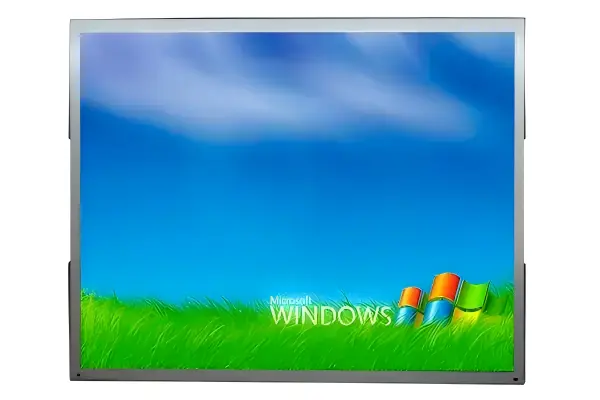
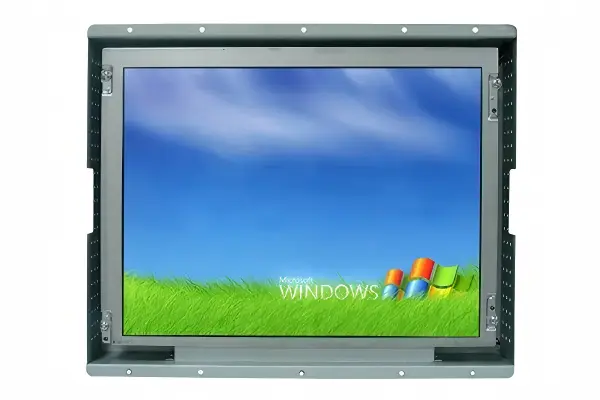
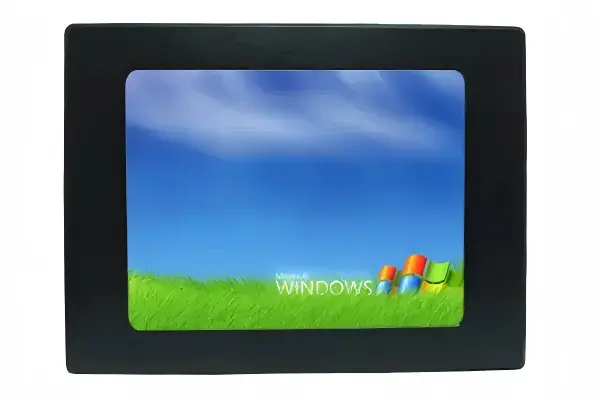
An industrial display can look suitable on a datasheet yet create integration problems after installation. Poor visibility, an unsuitable mounting method, limited service access, or the wrong touch technology can delay a project. I recommend starting with the operating task, environment, and system constraints before comparing screen specifications.
The right industrial display is the one that supports the user’s task, fits the installation structure, remains readable in its real lighting conditions, and connects reliably with the wider system. Buyers should define users, environment, mounting, interfaces, power, touch, and service needs first. Screen size, resolution, brightness, and price should then validate the selection rather than drive it.
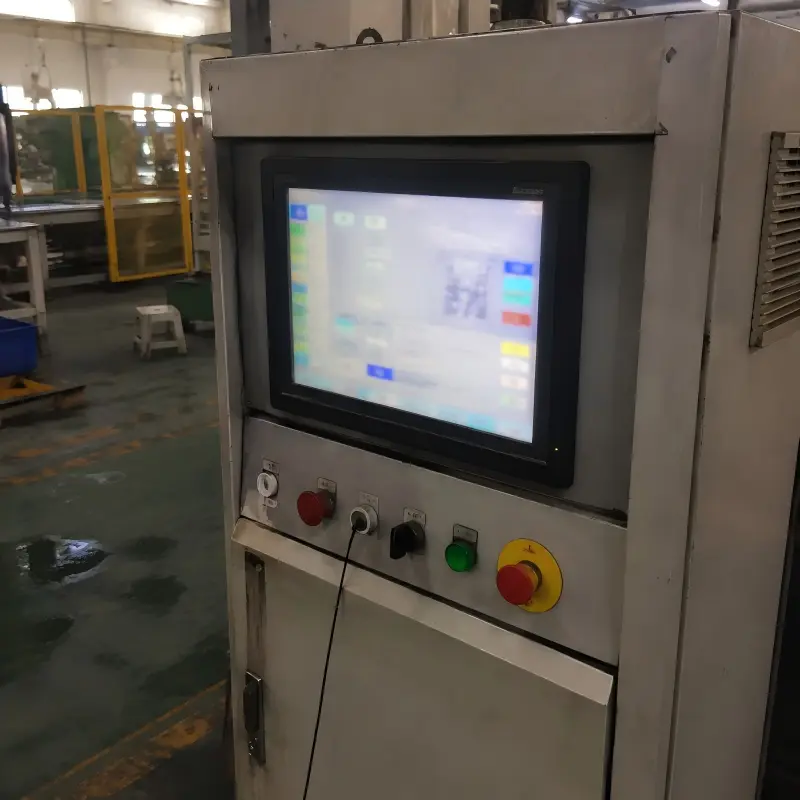
In our solution discussions at AplusLCD, I often see teams begin with a preferred size or brightness level. Those details matter, but they do not explain the full application. A more reliable process starts by understanding what the display must help people do.
How Should You Define the Industrial Display Application First?
An industrial display project can lose direction when requirements remain broad. A buyer may request a “bright touch screen” without defining who uses it, where it sits, or what information must be visible. I solve this by turning the application into a practical list of operating conditions.
Buyers should define the industrial display application by identifying the viewer, user task, installation location, ambient conditions, operating schedule, and system constraints. These requirements establish the performance target and help prevent over-specification or a display that does not fit the final enclosure.
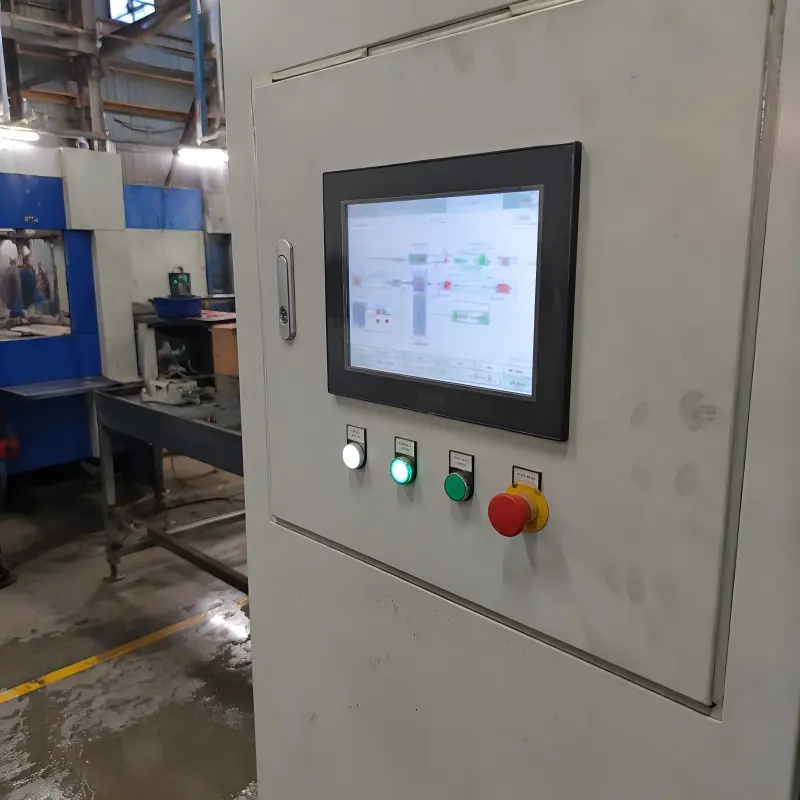
Start With the User Task
I ask customers what the operator needs to do, not only what content they want to show. A control interface, queue-management screen, medical device display, and outdoor kiosk each create different priorities.
Useful questions include:
- Who views the screen: an operator, technician, customer, or passerby?
- Does the user read small data, monitor alarms, watch video, or make touch selections?
- How far away is the normal viewing position?
- Does the user wear gloves, use tools, or interact with the display frequently?
- Is the display used continuously or only during setup and maintenance?
A small industrial display may work well for machine status information at arm’s length. The same size may be unsuitable for a public-information screen viewed from several meters away.[1] Similarly, a high-resolution panel can support detailed graphics, but it may not improve usability if the interface uses large buttons and simple alarm indicators.
Document the Operating Environment
The installation environment shapes many display decisions. I encourage buyers to record conditions instead of relying on terms such as “industrial” or “outdoor.”
Consider:
| Requirement area | Questions to clarify |
|---|---|
| Light | Is there direct sunlight, skylight glare, or controlled indoor lighting? |
| Temperature | What operating and storage temperatures may occur? |
| Contamination | Are dust, moisture, oil, cleaning chemicals, or vibration present? |
| Access | Can technicians reach connectors and mounting points after installation? |
| Orientation | Will the panel be landscape, portrait, tilted, or vertically mounted? |
This early documentation gives manufacturers and integrators a clearer basis for evaluating an industrial display. It also helps buyers compare supplier recommendations on the same terms.
How Do You Evaluate Industrial Display Visibility in Real Conditions?
A screen can appear clear in an office and become difficult to read beside a factory window or inside a sunlit terminal. Brightness is important, but it is only one factor. I recommend evaluating visibility as a combination of light, surface treatment, viewing position, and interface design.
Industrial display visibility depends on ambient light, viewing angle, mounting position, panel brightness, contrast behavior, cover glass, surface treatment, and displayed content. Buyers should assess the complete viewing condition rather than select a display based on headline brightness alone.
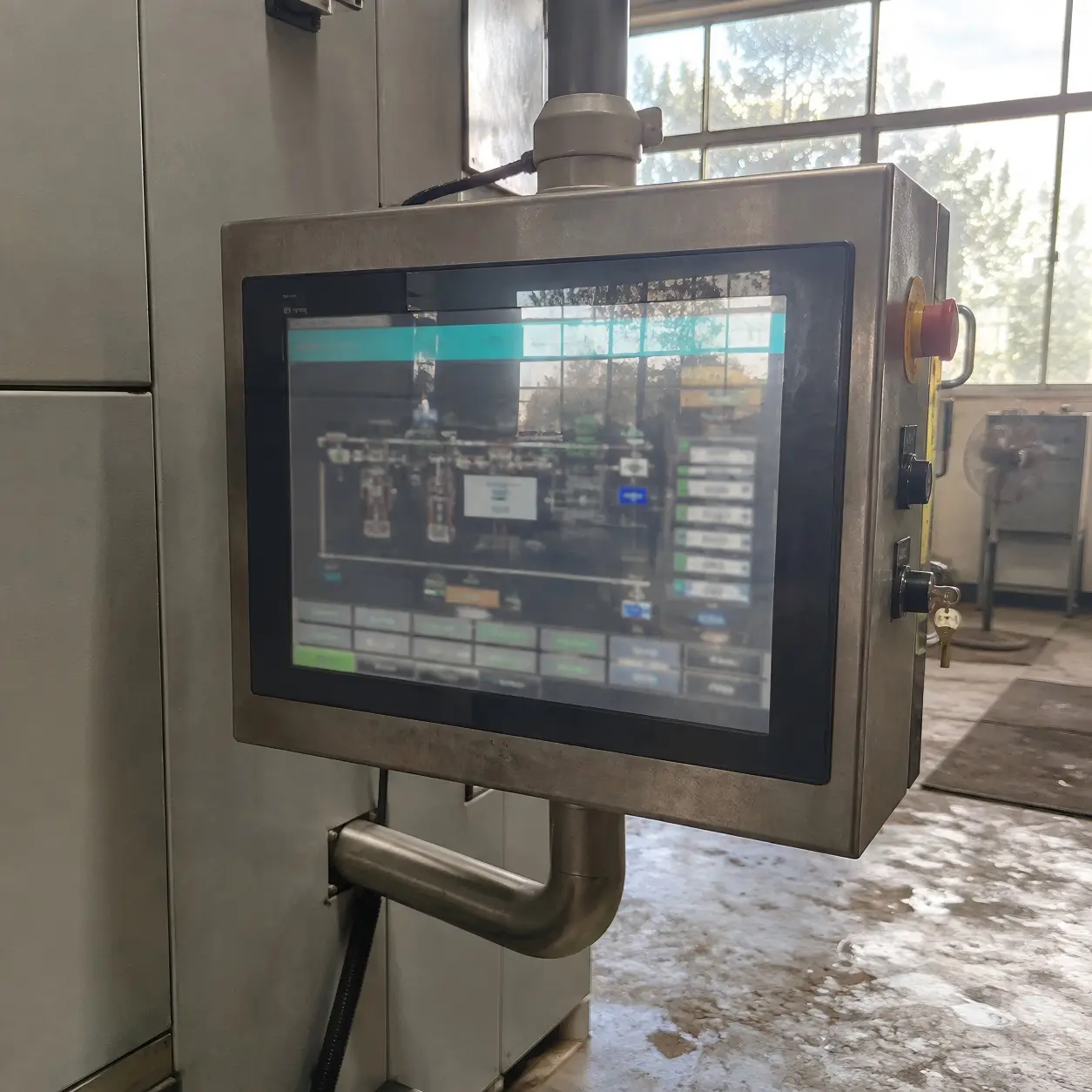
Look Beyond the Brightness Number
Brightness is commonly measured in nits or candelas per square meter. That figure helps compare panels, but it does not predict every real-world result. A display with the same stated brightness can look different after it is placed behind cover glass, installed at an angle, or exposed to reflections.[2]
A common issue we see during requirement clarification is that a buyer has selected a bright panel but has not considered where light enters the enclosure. Direct reflections can reduce perceived readability even when the panel specification appears strong.
I usually ask buyers to review:
- Ambient light direction: Does light come from above, behind, or directly in front of the user?
- Viewing angle: Will operators look straight at the display or from the side?
- Mounting angle: Can a slight tilt reduce reflections?
- Surface options: Would anti-glare, anti-reflective, or different cover-glass treatment support the application?[3]
- Content design: Are fonts, color contrast, alarms, and button sizes appropriate for the viewing distance?
Match the Screen to the Interface
Content matters as much as hardware. A dense HMI dashboard may require clear typography and sufficient resolution. A digital-signage application may prioritize color presentation and wider viewing angles. A self-service terminal may require readable instructions under variable indoor lighting.
I recommend that buyers review actual interface mockups during display selection whenever possible. A blank panel or test image cannot represent every final use case.
Qualified engineering evaluation is appropriate when readability affects safety, regulated workflows, or application-specific performance requirements.[4]
How Do Mounting, Touch, and Interfaces Affect Industrial Display Selection?
An industrial display is an integrated component, not an isolated screen purchase. A panel may meet visual requirements but still cause problems if it cannot fit the enclosure, connect to the controller, dissipate heat, or receive service after installation.
Buyers should select an industrial display only after confirming mounting, mechanical dimensions, touch requirements, video interfaces, power input, cable routing, enclosure space, thermal conditions, and service access. These integration details often determine whether a display can be installed successfully.
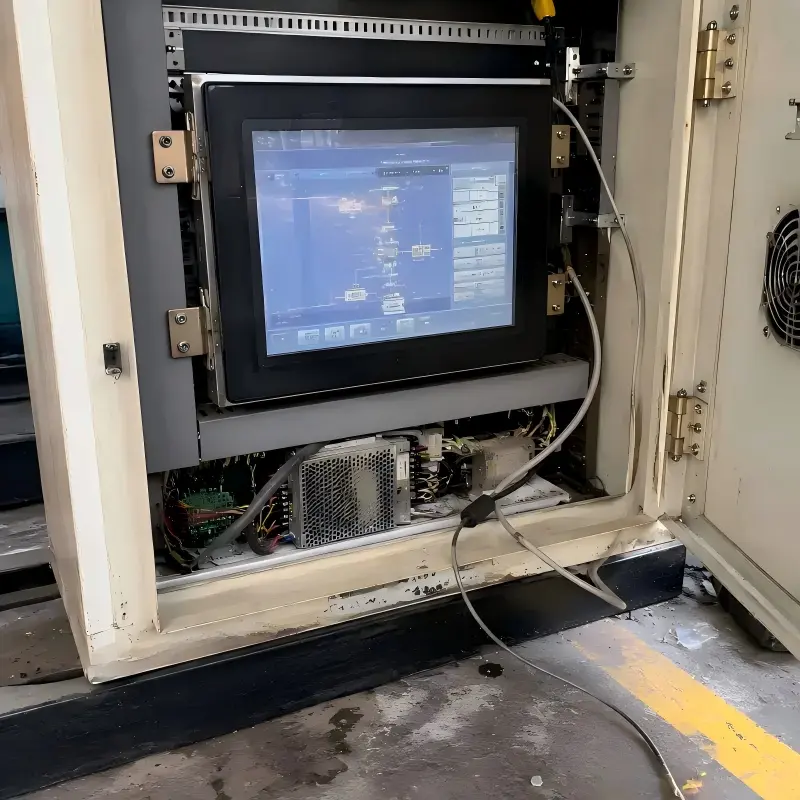
Confirm the Mechanical Design Early
In our discussions with equipment manufacturers, I often ask for drawings, cutout dimensions, and available rear clearance before recommending a configuration. These details can affect the choice between open-frame, panel-mount, embedded, or enclosed monitor designs.[5]
Buyers should verify:
- Overall dimensions and active viewing area
- Front-panel cutout and mounting-hole locations
- Bezel or enclosure clearance
- Rear depth for boards, connectors, and cables
- VESA or custom mounting requirements
- Access for replacement, inspection, and repair
Choose Touch Technology Around Actual Use
Touch selection should follow the user task. Project teams should consider gloves, moisture, expected touch frequency, desired gestures, and cleaning procedures. A touch solution that feels responsive in a demonstration may not suit a production environment without application-specific evaluation.
Interface compatibility also deserves attention. Buyers should confirm available video outputs, such as HDMI, DisplayPort, VGA, or LVDS/eDP where applicable, as well as USB requirements for touch control. Power specifications, connector orientation, and cable length should be reviewed with the system design team.[6]
At AplusLCD, we discuss customization options such as brightness, touch function, mounting, enclosure design, and interface selection in relation to these constraints. Buyers should request current drawings, specifications, and relevant certification documents for verification before final procurement.
Frequently Asked Questions
What is the first thing to consider when choosing an industrial display?
I recommend starting with the user task and operating environment. Buyers should define who views the screen, what they need to do, where the unit will be installed, and what lighting, temperature, mounting, and interface constraints apply.
Is a higher-brightness industrial display always better?
No. Higher brightness may support certain high-ambient-light applications, but it is not automatically the best option. Buyers should also consider reflections, viewing angle, cover glass, power, thermal design, and the final mounting position.
Should I choose screen size before reviewing enclosure dimensions?
I recommend reviewing both together. The preferred screen size must fit the available cutout, bezel, rear depth, cable routing, and service space. Mechanical integration can limit otherwise attractive display options.
Conclusion
Choosing the right industrial display begins with the application, not a headline specification. I recommend defining the user task, viewing environment, installation structure, touch needs, interfaces, and service requirements before validating size, resolution, brightness, and budget. This process helps buyers make more informed supplier comparisons. If you are planning an automation, kiosk, retail, transportation, or signage project, AplusLCD can discuss display requirements and customization trade-offs for your application.
Explore Our Complete Industrial Display Range
6.5" to 93.8" LCD monitors: open frame, panel mount, high brightness, touch screen, and custom solutions. CE/FCC/CB certified. Commercial project evaluation, no MOQ for standard products; MOQ 3 pcs for custom products.
View All Products →Related Reading
Footnotes
-
"Estimating the legibility of a single letter E viewed at ...", https://pubmed.ncbi.nlm.nih.gov/23254109/. Visual-ergonomics guidance treats viewing distance and character visual angle as key determinants of whether text and symbols can be read reliably on a display. Evidence role: general_support; source type: institution. Supports: Visual-ergonomics guidance linking viewing distance and visual angle to the legibility of display text and symbols.. Scope note: The appropriate size also depends on typography, contrast, user vision, task criticality, and environmental lighting. ↩
-
"Investigation of the effect of ambient lighting on contrast ...", https://www.academia.edu/20502071/Investigation_of_the_effect_of_ambient_lighting_on_contrast_sensitivity_using_a_novel_method_for_conducting_visual_research_on_LCDS. Display legibility under real illumination depends on reflected ambient light, optical transmission through cover layers, and viewing geometry in addition to the display's emitted luminance. Evidence role: mechanism; source type: research. Supports: How ambient illumination, specular reflections, cover materials, and viewing geometry affect display contrast and readability.. Scope note: The magnitude of these effects depends on the specific display stack, cover glass, installation angle, and lighting environment. ↩
-
"Objective Image Quality of CRT Displays under Ambient Glare", https://vtechworks.lib.vt.edu/bitstream/handle/10919/36622/etd2.pdf?sequence=1&isAllowed=y. Anti-reflective treatments are designed to reduce surface reflectance, while anti-glare treatments diffuse reflected light; both can alter display visibility under ambient illumination. Evidence role: mechanism; source type: research. Supports: The optical purposes of anti-reflective and anti-glare treatments and their effects on reflectance, haze, and perceived image quality.. Scope note: These treatments involve trade-offs, such as possible haze, reduced sharpness, or changed appearance, and should be assessed for the intended lighting conditions. ↩
-
"Applying Human Factors and Usability Engineering to ...", https://www.fda.gov/files/medical%20devices/published/Applying-Human-Factors-and-Usability-Engineering-to-Medical-Devices---Guidance-for-Industry-and-Food-and-Drug-Administration-Staff.pdf. Human-factors regulatory guidance recognizes that display readability and user interaction can contribute to use-related risk and may require evaluation for intended users, tasks, and environments. Evidence role: expert_consensus; source type: government. Supports: Regulatory human-factors guidance that usability-related risks in medical or safety-relevant systems should be evaluated and validated for intended users and use environments.. Scope note: Specific evaluation obligations depend on the sector, jurisdiction, device classification, and applicable standards. ↩
-
"Catalog Cabinets 2010", http://www.submm.caltech.edu/kids_html/DesignLog/DesignLog179/MillerMUSICReadoutDocs/HEMT%20Power%20Supply/Subrack/Schroff/schroff_cat_cabinets_2010_us.pdf. Display configurations differ in their mechanical packaging and intended installation method: open-frame units are typically integrated into host equipment, while panel-mount and enclosed units provide differing levels of mounting structure and protection. Evidence role: definition; source type: other. Supports: Neutral technical definitions of open-frame, panel-mount, embedded, and enclosed display configurations and their installation implications.. Scope note: Terminology and construction details are not fully standardized across all manufacturers. ↩
-
"High-Speed PCB Design Guide", https://s3vi.ndc.nasa.gov/ssri-kb/static/resources/High-Speed%20PCB%20Design%20Guide.pdf. Interconnect design considerations such as cable length, connector arrangement, power delivery, and signal integrity can constrain equipment integration and should be verified at the system level. Evidence role: mechanism; source type: education. Supports: Electrical-engineering guidance that interconnect design, including cable length and connector arrangement, can affect signal integrity, installation feasibility, and serviceability.. Scope note: The relevant limits depend on the interface standard, cable type, data rate, power load, and electromagnetic environment. ↩